 SURVIVAL APPS
How to verify an APK before installing it
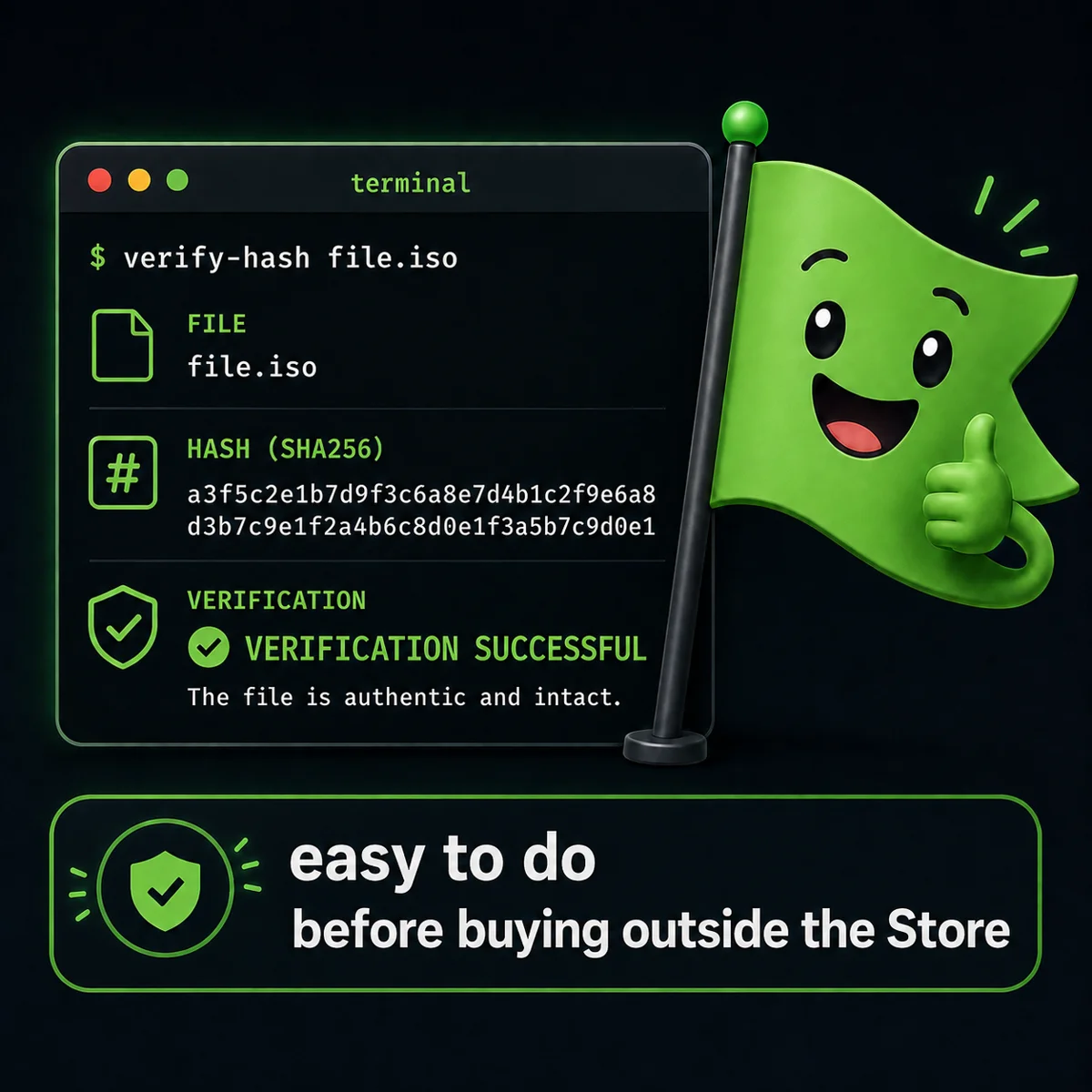
A file that enters your system without passing through the guarded gates should be treated like a stranger at your door: you don't chase it off, you don't hug it, you ask for papers. An APK's fingerprint takes thirty seconds to read, with tools you already have installed. This transmission is that procedure, step by step.
Why verify instead of just trusting
Downloading an APK from an independent site instead of the Play Store is, rightly, a reason for suspicion: outside the store there's no automatic Google check, and an .apk file can be modified without you noticing. The right answer isn't "trust me" — it's to give you the tools so you don't have to. Every Survival Apps app now publishes, on its product page, the SHA-256 hash of the correct file and a link to its VirusTotal scan report. This guide explains what they are and how to use them, whether you're checking one of my APKs or anyone else's.
The SHA-256 hash: the file's fingerprint
A cryptographic hash[1] is a 64-character sequence calculated from the exact contents of a file: change even a single byte and the hash changes completely. If the hash of the file you downloaded matches the one published on the product page, you have mathematical certainty that it's the exact same file — not a tampered version, not a file cleverly renamed to look like the right one.
How to calculate it, system by system
- WINDOWS — open PowerShell in the download folder and run
Get-FileHash nomefile.apk -Algorithm SHA256 - MACOS — from Terminal:
shasum -a 256 nomefile.apk - LINUX — from the terminal:
sha256sum nomefile.apk - ANDROID — without going through a PC: a file manager with built-in hash calculation, or Termux with the same
sha256sumcommand as Linux
In every case, compare the result, character by character, with the hash published at the bottom of the app's product page. Don't try to read it in your head: copy both into a text editor and check that they're identical.
> 9ef39d53...977095b BioRadar-v1.0.1-release.apk
> comparing with the product page: IDENTICAL
Reading a VirusTotal report
VirusTotal[2] has dozens of different antivirus engines scan the file and shows a count: how many flag it, how many don't. Zero detections out of seventy engines is a good sign, but not an absolute guarantee — and one or two isolated false positives, on a file every other engine considers clean, happen often with less widespread Android apps and aren't an alarm in themselves. What should make you suspicious is the opposite: a hash that doesn't match, or a report nobody ever linked to you directly from the source.
Frequently asked questions
Is checking the hash enough, or do I need VirusTotal too?
The hash tells you the file is the right one, not that it's safe at the source. VirusTotal adds a second, independent check. Use them together, not one instead of the other.
What if the hash doesn't match?
Don't install the file, and restart the download from the original product page: a different hash means the file in your hands isn't the one that was published, whatever the reason.
Where can I find this verification for the apps sold on Survival Apps?
The "Verify the file before installing" block is live on the product pages for BioRadar, EcoSurvivor and HotSummer, updated with every release alongside the APK — the same discipline described in the piece on ownership versus subscription.
The construct leaves no fingerprints a hash could capture. But every honest file does — and this one, at least, is verifiable.
Notes
- Cryptographic hash — a mathematical function that turns a file of any size into a fixed-length string (for SHA-256, 64 hexadecimal characters). Even a minimal change to the file produces a completely different hash, which makes it a reliable tool for checking that two copies of a file are identical byte for byte. ↑ back to text
- VirusTotal — an online service (owned by Google/Chronicle) that analyzes files and URLs with dozens of antivirus engines at once and publishes a report that can be viewed publicly via a direct link. ↑ back to text