 SURVIVAL APPS
A radio that asks nobody's permission
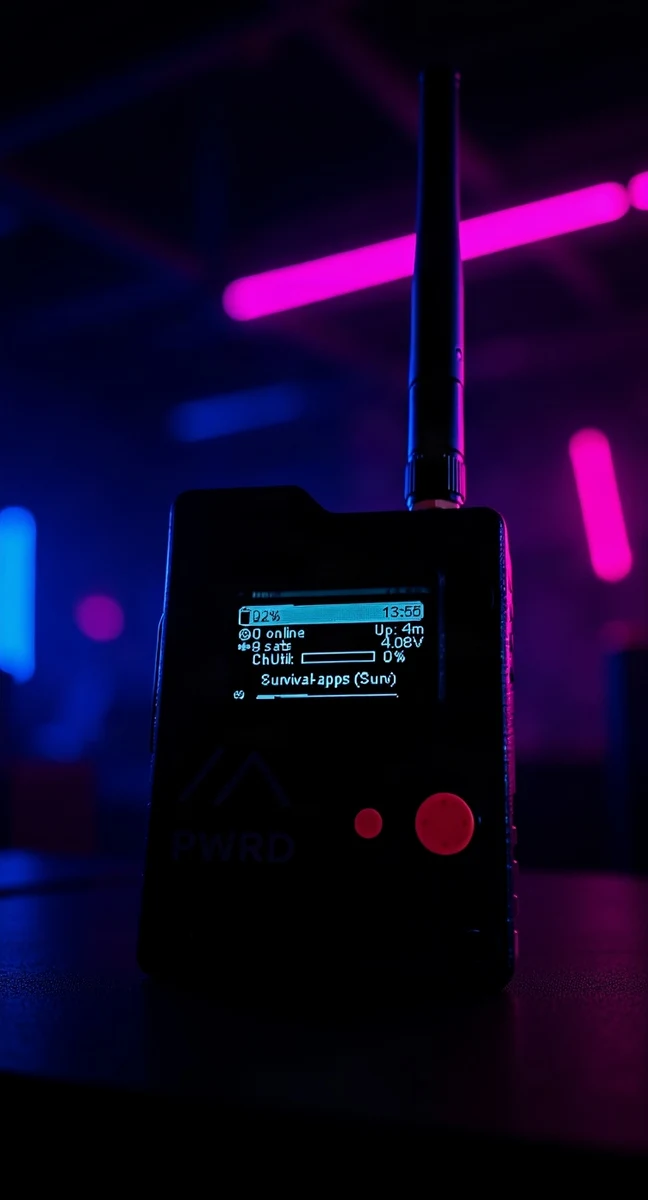
The package showed up without telling any network about it: not a provider, not an account, not a server keeping score of who switches on what. Inside, a small black block the size of a bunch of keys — which makes sense, because that's where it goes, in your pocket, with the key ring already fitted at the factory.
It took me a day to (almost) break it and another day to get it talking to a mesh I didn't know existed above my house.
Why a radio, in 2026
Every app on this site starts from the same question: what do you have left when the network you're used to isn't there anymore? So far the answer was always software — offline maps, local inventories, checklists with no account. The Wio Tracker L1 Pro from Seeed is the first time that question touches hardware: a LoRa node running Meshtastic firmware, talking to other identical nodes by radio, with no SIM, no internet, and no company in the middle deciding whether your message gets through.
The device
- CHIP — nRF52840, SoftDevice S140 7.3.0
- FIRMWARE — Meshtastic vanilla, v2.7.26
- REGION — EU_868,
MEDIUM_FASTmodulation preset - SCREEN — built-in OLED; battery, GPS, channel and mesh status always readable without an app
- BOOTLOADER — UF2, separate from the application firmware: reflashing the latter doesn't touch the former (a detail that proved useful sooner than expected, see below)
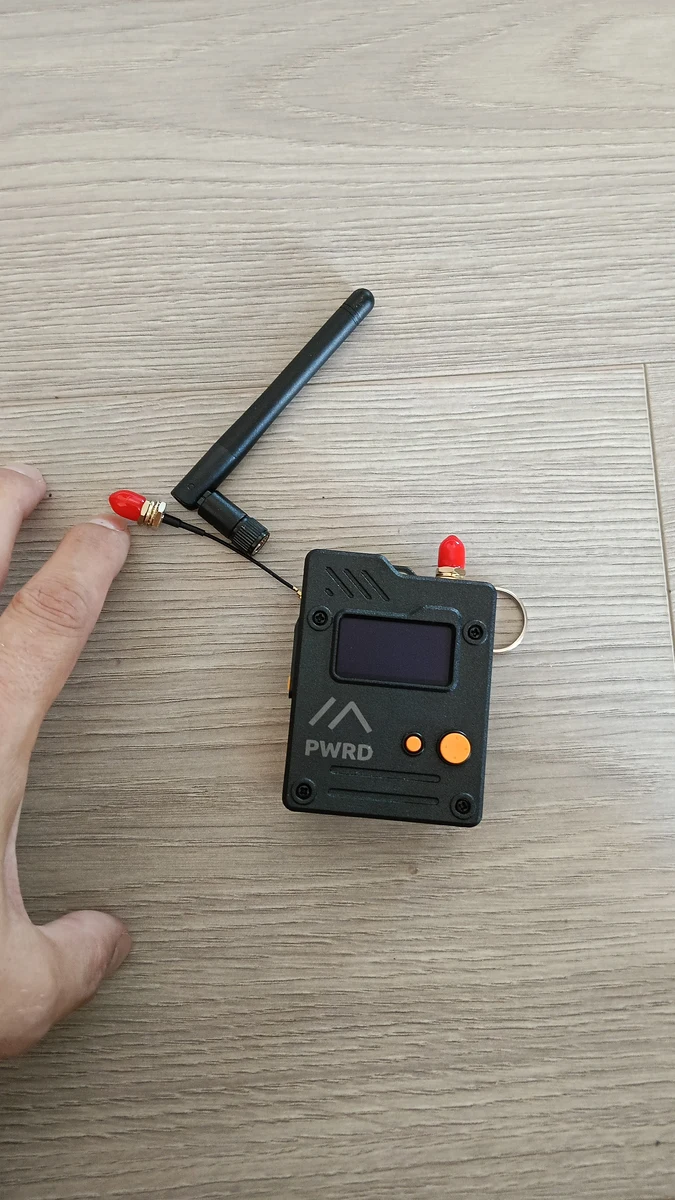
First tests
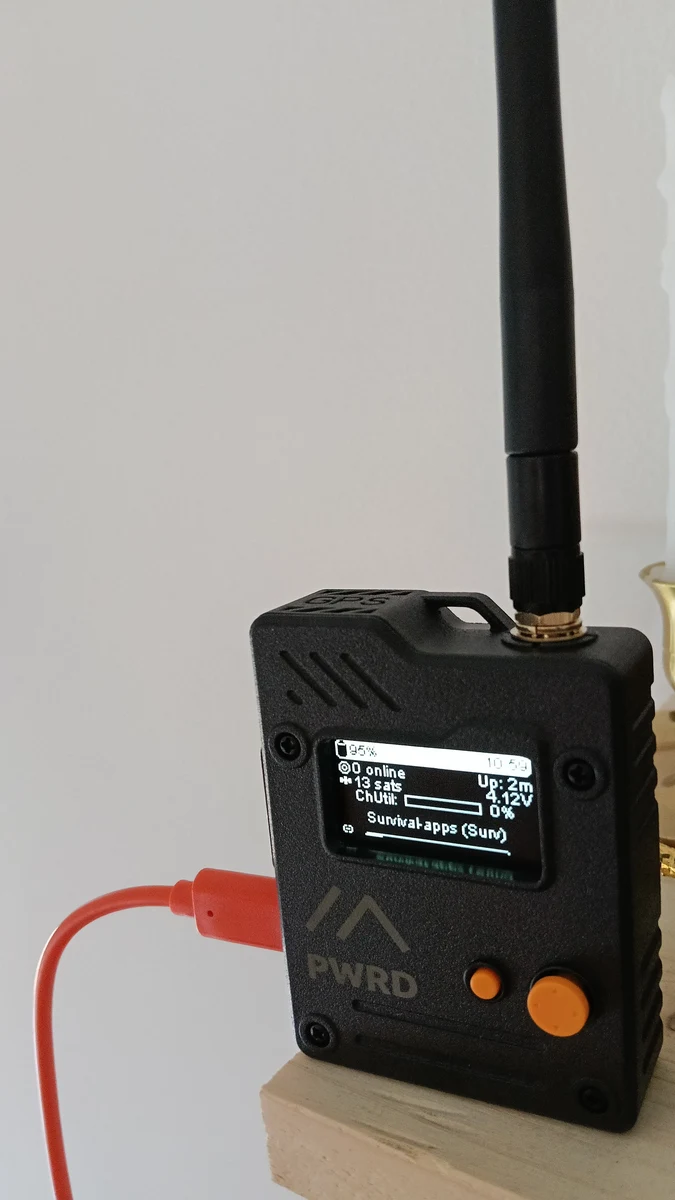
First power-on, indoors: 13 satellites locked despite walls and a ceiling in the way, 95% battery, 4.12V, ChUtil at zero because I was the only node listening. I renamed the node right away — long name Survival-apps, short Surv — so I could pick it out once the mesh got more crowded.
The factory preset, LONG_SLOW, showed 2-3 nodes around. Switching to MEDIUM_FAST — the modulation used by the Lombardy mesh — pushed the visible nodes up to about 55: Monte Boletto, Brunate, MilanoSarpi, Lissone, and several IU2/IZ2 ham operators who keep their repeaters on around the clock. I hadn't gone looking for them: they were already there, within radio range, just on a different wavelength from the one I was listening on.
> hardware: Seeed Wio Tracker L1 Pro (nRF52840)
> firmware: Meshtastic v2.7.26, region EU_868, preset MEDIUM_FAST
> node: Survival-apps (Surv)
> visible nodes: ~55, Lombardy mesh
> status: OPERATIONAL
A mishap, and how it ended
During a firmware update the device froze halfway and vanished from the serial port. Before panicking: double-clicking the RST button drops it into DFU mode, and the device reappears as a USB drive (TRACKER L1). The bootloader was intact — all I had to do was download a valid .uf2 from the official repository and drag it onto the drive. It rebooted on its own, previous config untouched, node name and channels right where I'd left them. No jumpers, no external programmer: just the fact that whoever designed the bootloader deliberately kept it separate from the part that breaks most easily.
The web interface
The official Meshtastic app works, but I wanted something that stays open on my desk while I work, not on my phone. I wrote a local interface in pure Python stdlib (no dependencies beyond the ones already used in my other, already-tested web apps) that talks to the device over the serial port and keeps its history in SQLite.
- STATUS — diagnostics, position, radar of visible nodes by direction and distance
- NODES — table with SNR, hops, battery, distance; click a node's short name to open its full card
- RADIO — chat with live reception and persistent history
- CHANNELS — list, sharing QR code, import from URL
- SYSTEM — node identity, remote node queries, config backup, remote reboot/DFU
An open node card also shows just the conversation filtered to that node — broadcasts plus DMs in both directions — instead of a single log that mixes everything together. Direct messages are encrypted with ACK; the more obscure technical labels (SNR, hops, channel utilization) have a pop-up glossary, so the interface is useful to people just getting started too.
A radio that talks to a web app; a small, useful piece for a future cyberdeck.
- EUROPE & UK —
EU_868(868 MHz) - USA & CANADA —
US(915 MHz) - AUSTRALIA —
ANZ(915 MHz) - NEW ZEALAND —
NZ_865(865 MHz)